
Download Password Manager Data Vault – Secure Password Storage, Auto‑Fill, iCloud Backup
Overview
In today’s digital landscape, a single compromised password can open the floodgates to identity theft, financial loss, and a cascade of privacy violations. Password Manager Data Vault steps in as a premium, no‑subscription password manager that encrypts every credential you own and keeps it safely behind a master password only you know. Unlike the outdated habit of reusing a simple password across dozens of sites, Data Vault lets you generate long, complex passwords for every account without the mental overload of memorising them.
The app automatically fills login forms, stores web‑form content, and synchronises your vault across all your Apple devices via iCloud backup – so you never lose access, even if you switch phones or tablets. Migration is painless thanks to built‑in import tools that pull data from popular rivals, meaning you can leave an old manager behind without losing any entries. While the user interface leans toward the utilitarian and each device requires a one‑time purchase, the trade‑off is a robust, ad‑free experience that puts your digital security first.
Whether you’re a busy professional juggling corporate logins, a family managing shared streaming accounts, or a tech‑savvy user who simply refuses to compromise on safety, Password Manager Data Vault offers a clear, secure path to password freedom.
Key Features, Pros & Cons
- End‑to‑end AES‑256 encryption for every stored credential.
- Automatic iCloud backup that restores your vault on any iOS or macOS device.
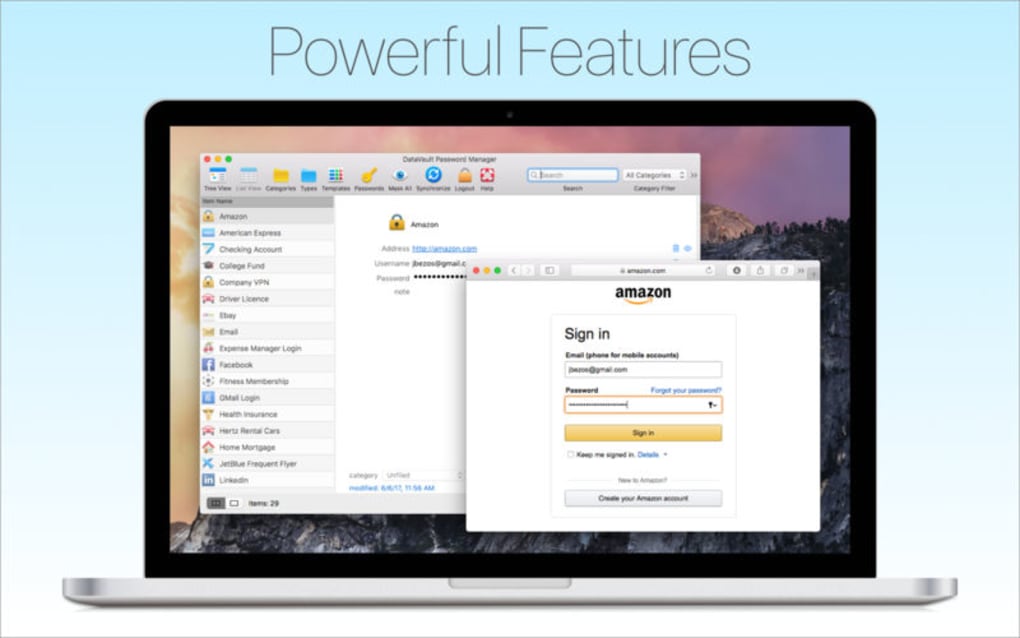
- One‑click auto‑fill for login forms and web‑form content capture.
- Cross‑app import wizard supporting LastPass, 1Password, Dashlane, and more.
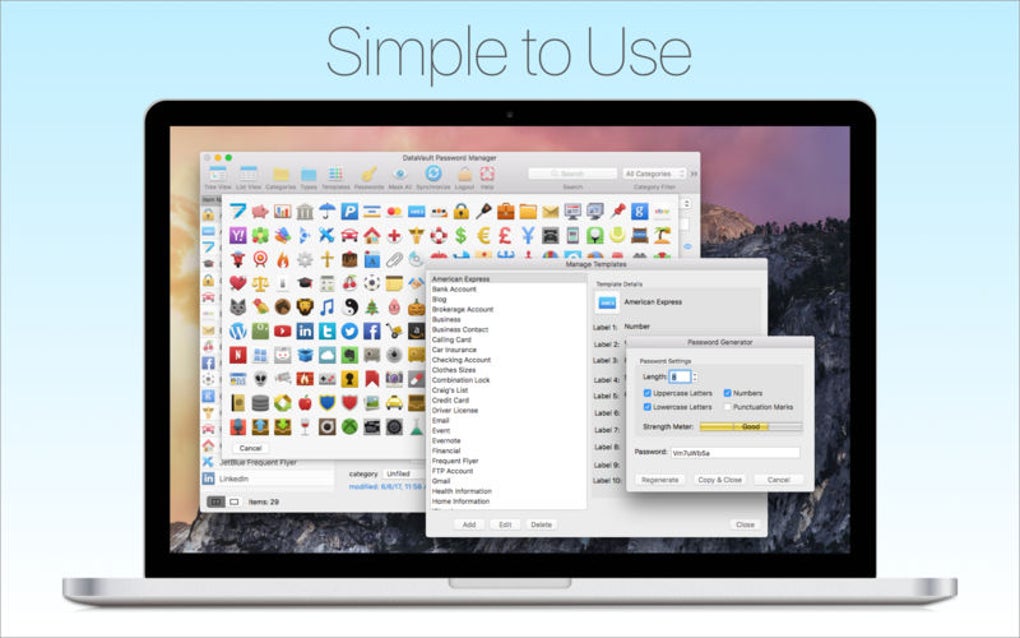
- Secure password generator with customizable length and character sets.
- Biometric authentication (Face ID / Touch ID) for quick, secure access.
- Offline mode – all data remains on your device when no internet is available.
- Granular password categorisation (personal, work, finance, etc.) with colour tags.
Pros
- Strong encryption ensures that even a breached device cannot expose your passwords.
- No recurring subscription; a single purchase per device keeps costs predictable.
- iCloud sync eliminates the need for third‑party cloud services.
- Import tools simplify migration from other password managers.
- Biometric login speeds up daily access without sacrificing security.
Cons
- The interface feels a bit dated and may require a learning curve for new users.
- Each additional device requires a separate purchase, which can add up for families.
- Lacks a built‑in password audit or breach monitoring feature found in some competitors.
- No Windows or Android version, limiting cross‑platform flexibility.
- Limited customisation options for auto‑fill behaviour.
Installation, Usage & Compatibility
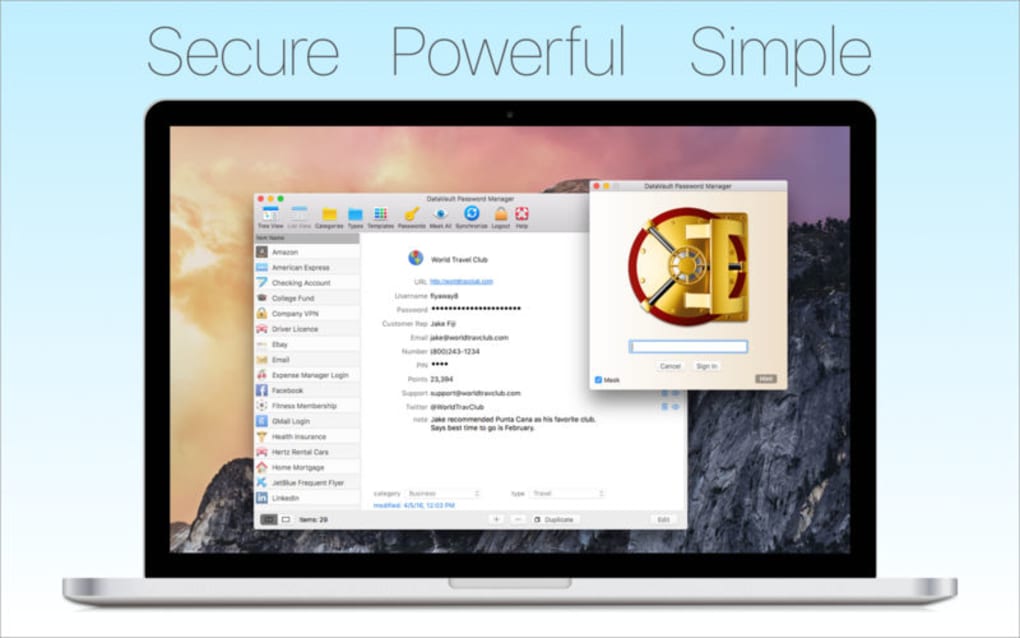
Getting started with Password Manager Data Vault is straightforward. Visit the App Store on your iPhone, iPad, or Mac, search for “Password Manager Data Vault,” and tap the purchase button. After the transaction completes, the app installs automatically. The first launch prompts you to create a master password – this should be a unique phrase you can remember but no one else could guess. Enable Face ID or Touch ID for added convenience, then allow iCloud access so your vault can be backed up and synchronised.
Once inside, the main dashboard displays a simple list of your password entries. To add a new credential, tap the “+” icon, choose the type (login, credit card, secure note), and let the built‑in generator create a strong password. You can also import existing data by selecting “Import” from the settings menu and following the on‑screen instructions for the source manager. For everyday use, the auto‑fill feature activates when you tap a login field in Safari or any supported browser; a discreet prompt asks if you’d like Data Vault to fill the credentials, keeping the process optional and privacy‑focused.
Supported platforms: iOS 14 or later, iPadOS 14 or later, macOS Big Sur or later. The app does not currently support Windows, Android, or Linux, which may be a limitation for users who need a truly cross‑platform solution.
Updating the app follows the standard App Store process – you’ll receive notifications when a new version is available, and installing updates is as simple as tapping “Update.” Because the software stores all data locally and only synchronises encrypted blobs via iCloud, updates do not affect your stored passwords, ensuring continuity and peace of mind.
FAQ & Conclusion
Is my data really encrypted end‑to‑end?
Yes. Every password, note, and form entry is encrypted on your device with AES‑256 before it ever leaves your phone or computer. The encryption key is derived from your master password, which never touches Apple’s servers.
Can I use the same license on multiple devices?
Each device requires its own purchase. This model avoids recurring fees but means you’ll need to buy a separate license for an iPhone, iPad, and Mac if you want full coverage.
What happens if I forget my master password?
Because the master password is never stored, Password Manager Data Vault cannot recover it for you. You will need to reset the vault, which erases all stored data. This is why it’s crucial to remember or securely record your master phrase.
Does the app support two‑factor authentication (2FA) codes?
Data Vault stores 2FA backup codes as secure notes, but it does not generate time‑based one‑time passwords (TOTP). Users needing an integrated authenticator should pair Data Vault with a dedicated 2FA app.
Is there a free trial or refund policy?
The App Store offers a 14‑day refund window for accidental purchases. There is no separate free trial, but the one‑time price per device is modest, allowing you to test the full feature set without a subscription.
Final Verdict: Password Manager Data Vault delivers strong encryption, seamless iCloud sync, and a straightforward pricing model that appeals to users who prefer a single‑payment solution over recurring fees. While the UI could use a modern refresh and the lack of Windows or Android support limits cross‑platform reach, the core functionality is solid, reliable, and privacy‑centric. If you live within the Apple ecosystem and value a no‑ads, one‑time‑purchase password manager, Data Vault is a compelling choice.
Download Password Manager Data Vault now and secure every online account with a tool built for today’s security standards.







